

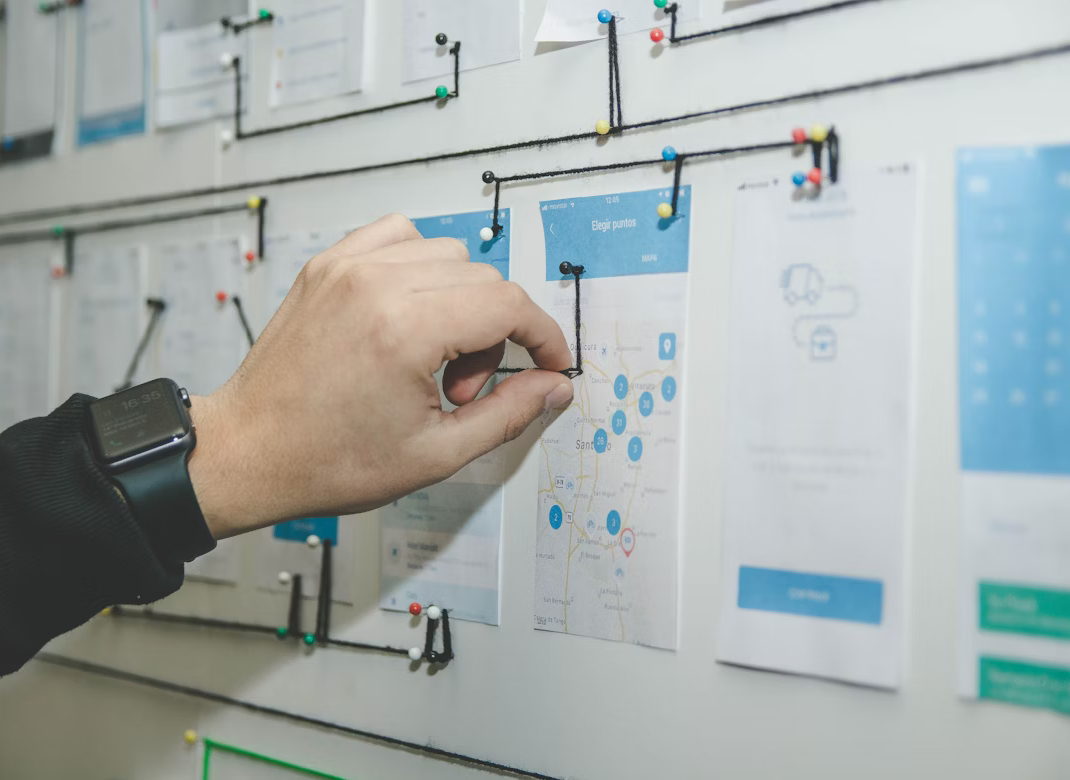
Checklist for launching an IT project: from idea to implementation
A successful IT project never starts with code — it starts with a clear understanding of goals, structure, and processes. Mistakes at the early stage are costly: according to PMI, over 30% of projects fail due to poor planning and unrealistic expectations. To avoid missed deadlines, budget overruns, and team conflicts, it's essential to cover key steps even before the first line of code is written. This article offers a practical checklist that guides you through every phase — from initial idea to launch and beyond.
1. Define the business idea and project goals
The first step is to clearly define why the project exists and what problem it solves. Avoid abstract goals like "create an app" or "build a platform." The objective must be tied to specific business value — increasing sales, automating processes, validating a hypothesis, or cutting operational costs.
Ask yourself:
- What outcome are we aiming for?
- Who is the end user?
- How does this project align with the broader business strategy?
Document your answers in a vision statement or project brief. This becomes the foundation for all future decisions.
2. Research the market and target audience
Even the best idea is useless if no one needs it. Before development begins, analyze:
- Your competitors' strengths and weaknesses;
- What alternatives already exist;
- What pain points or unmet needs your audience still has.
Use interviews, surveys, review analysis, or industry reports to gather insights. The goal isn't to prove your idea is great — it's to validate that users have a real problem worth solving. At this stage, define 2–3 typical user personas and outline their key usage scenarios.
3. Define core features and priorities
A common mistake is trying to build everything at once. This leads to delays, scope creep, and a bloated product. The solution is to focus on creating an MVP — a minimum viable product.
List only those features that:
- Solve the main problem;
- Allow early feedback from users;
- Can be delivered within a reasonable time and budget.
Build a feature list and prioritize each item as "must have," "nice to have," or "later." This gives the team clarity and protects the project from endless feature requests.
4. Choose the tech stack and assemble the team
Now it's time to select technologies and form the team. Your choices should reflect your business goals, budget, and scalability needs. Don't chase trends — choose tools that are stable, well-supported, and suitable for your project.
You'll need to define:
- Backend and frontend stacks (e.g., Node.js + React, Laravel + Vue);
- Architecture (monolithic, microservices, or serverless);
- Hosting options (cloud, VPS, on-premises).
Your team may be internal, external (outsourced/staff-augmented), or hybrid. Make sure you have more than just developers — you'll also need a project manager, UI/UX designer, and QA specialist. Roles and responsibilities must be clearly defined in advance.
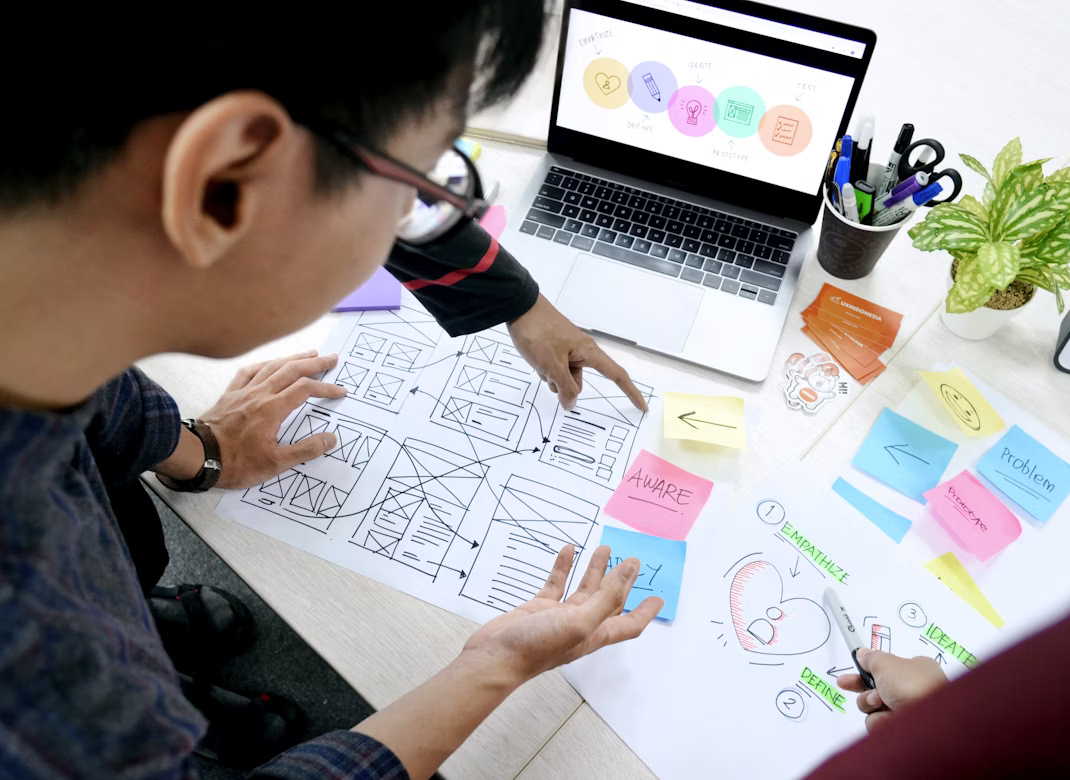
5. Prototyping and UI/UX design
Before any code is written, an interactive prototype should be created. This helps:
- Test user flows before development begins;
- Identify usability issues early;
- Align stakeholders on structure and layout.
Prototypes are built in tools like Figma, Adobe XD, or Axure. Once logic and flows are approved, the visual design begins — including color schemes, fonts, UI kits, and responsiveness rules. Make sure to follow accessibility principles and consider mobile-first design from the outset.
6. Plan sprints and development phases
Once functionality and design are locked in, break the work into sprints — short, focused development cycles (usually 1–2 weeks). Agile frameworks like Scrum or Kanban help teams stay organized and adaptive.
Each sprint should include:
- Clear task definitions and completion criteria;
- Regular stand-ups and demos (if the team is internal);
- Ongoing testing and iteration;
- Feedback sessions and adjustments.
Testing begins early — starting with unit tests, then integration, and eventually user testing. The goal is to catch issues long before they reach production.
7. Testing, deployment, and launch
Before launch, conduct full testing — functionality, performance, cross-browser compatibility, and security. Also simulate failure scenarios: what happens if the server crashes or a user enters invalid data?
Once testing is complete, deploy the project to the production environment. Be sure to set up:
- Monitoring systems (Sentry, Prometheus, etc.);
- Rollback options in case of emergency;
- Support documentation and escalation procedures.
A product launch should not be a surprise. The team should have a clear communication plan, support playbooks, and a post-launch schedule.
8. Collect feedback and plan future iterations
The launch is only the beginning. After release, start gathering feedback from real users — through forms, chat widgets, follow-up emails, or interviews.
Track:
- Which features are actually used (and which are not);
- Where users struggle or drop off;
- How users interact with the product in real life (vs. your assumptions).
Use this data to plan improvements and define the next development cycle. This flexible, iterative process is what separates successful IT products from those that stagnate after v1.0.
How LOGICHIVE OÜ helps you launch IT projects right the first time
We understand how easy it is to lose time and money during project initiation — and how to avoid it. At LOGICHIVE OÜ, we help you build the right process from day one.
Here's how we support your project:
- We run workshops to clarify your idea and goals;
- We help choose the best stack, architecture, and team model;
- We build UX prototypes and modern UI designs;
- We manage the project using Agile with full transparency;
- We support post-launch operations and respond quickly to user feedback.
A successful launch isn't luck — it's the result of clear planning and experienced execution. With LOGICHIVE OÜ, you move from idea to implementation without chaos or overspending.







Post Comment